The PC across the room, in your pocket.

Connect your home theater PC, Steam Deck, or Mac to your phone in seconds. An agent on the machine does the rest.

9:41
Living room PC
deckside.ai
The new controller isn't connecting, can you fix it?
Found it. The Bluetooth service stopped. I can restart it and re-enable pairing mode.

Approval needed

Restart the Bluetooth service

ApproveDeny
Done. The controller should show up now. Hold the pairing button for three seconds.

Made for the machines without a desk

Some computers never get the luxury desk treatment. Deckside gives them something more powerful: an agent controlled from your phone.

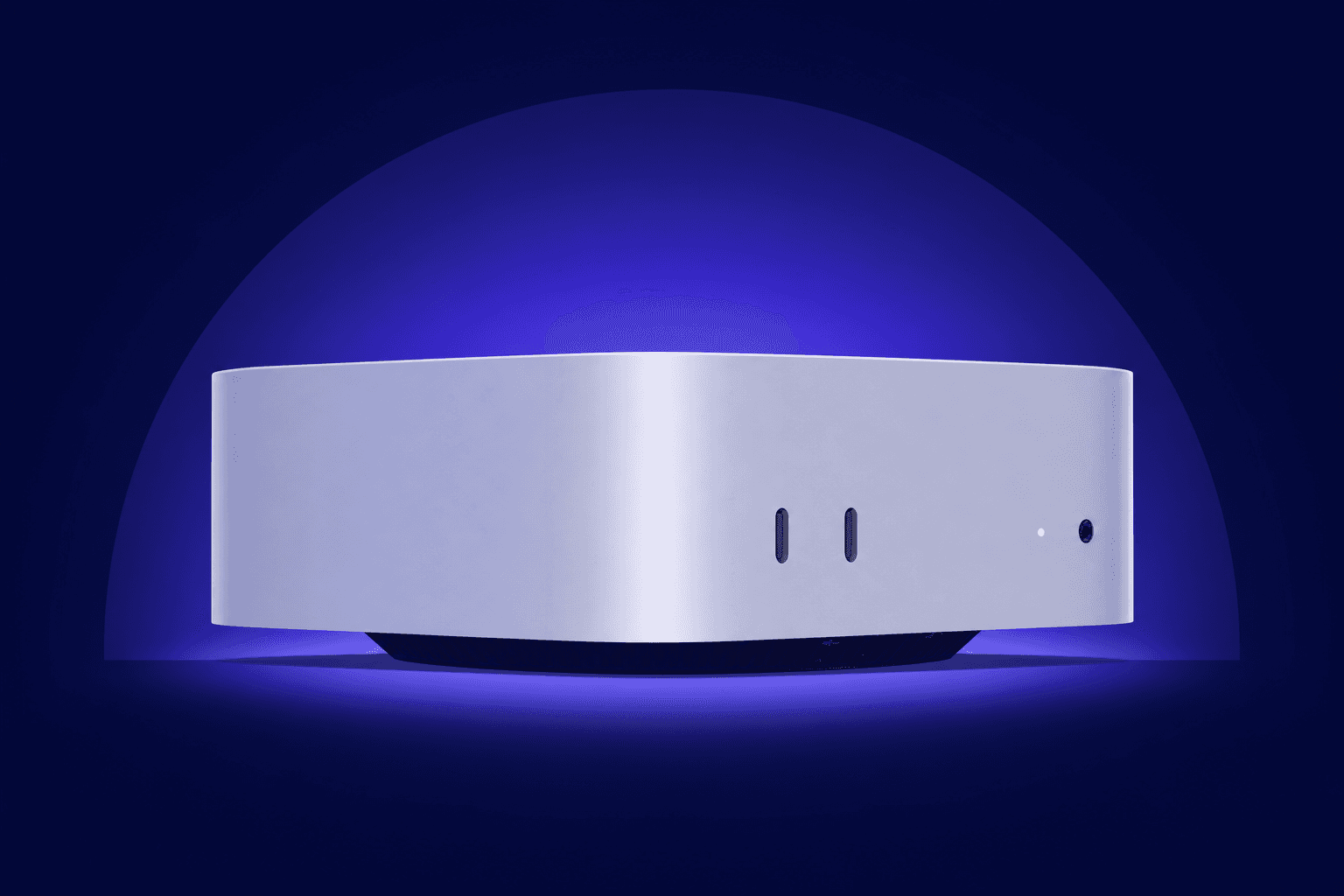
Illustration of a compact home theater PC

Home theater PCs

Install something, fix the thing that broke, free up disk space. All without plugging in a keyboard or squinting at a TV.

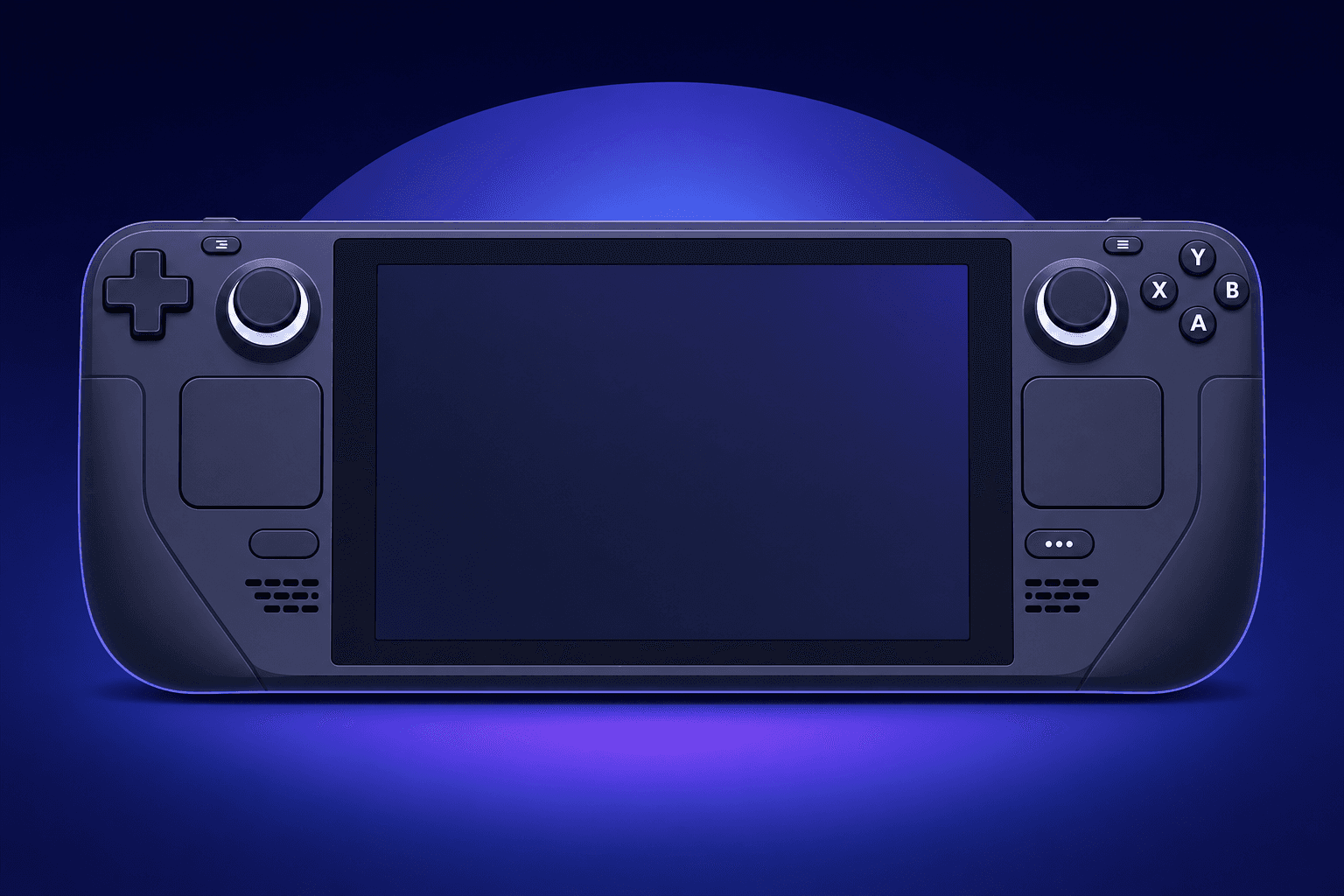
Illustration of a handheld gaming PC

Steam Deck & couch gaming rigs

Tweak settings, manage mods, or sort out a launcher issue from the sofa while the Deck stays docked.

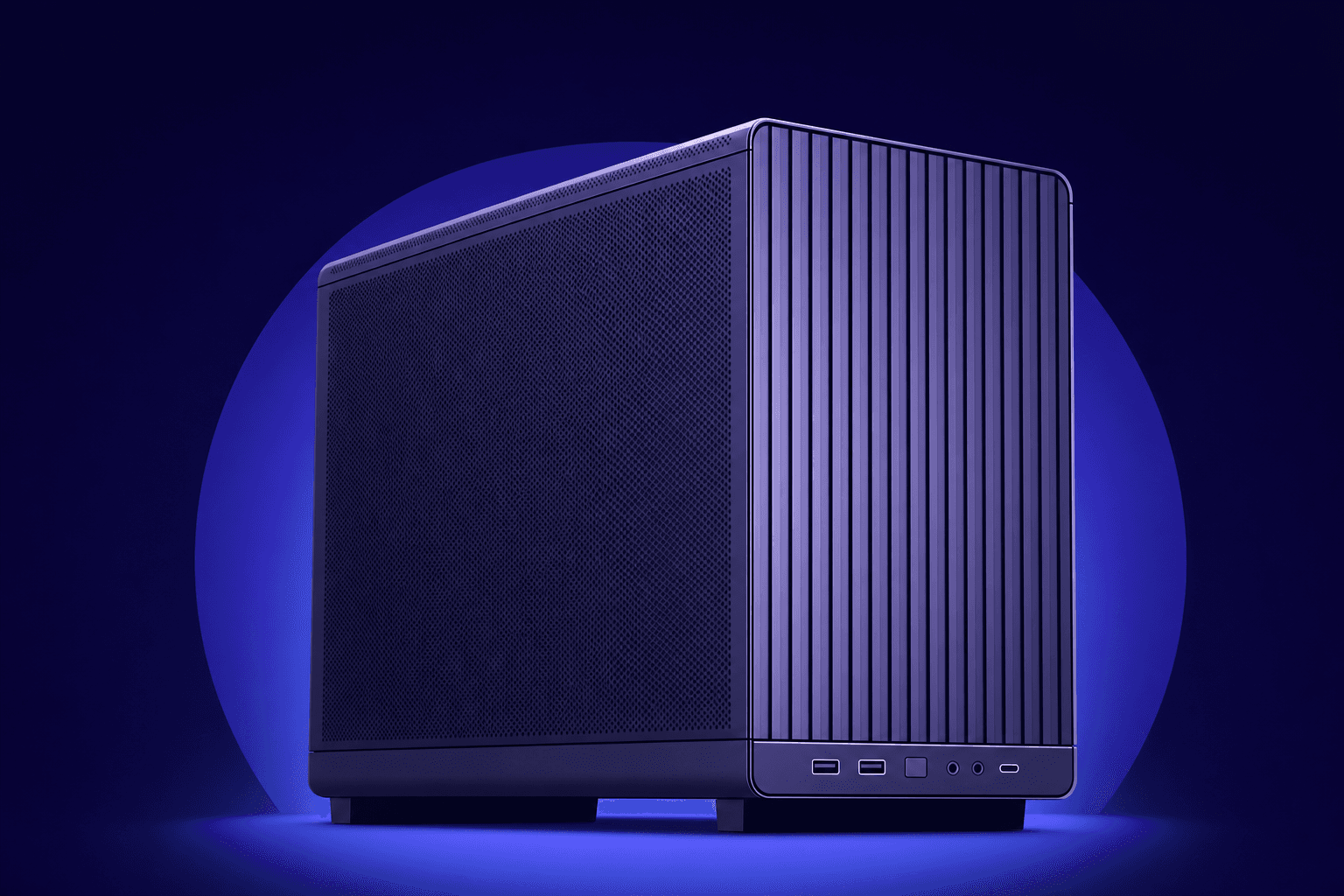
Illustration of a mini desktop computer

The PC in the other room

A headless mini-PC, an old desktop, a home server. If it runs macOS or Linux, your phone can drive it.

Set up in seconds, not an afternoon

No port forwarding, no VPN, no static IPs. If you can install an app and type a code, you can set up Deckside.

  1. 1

    Install the app on the machine

    Download the Deckside app onto the PC you want to control and sign in. That's the whole setup: no router settings, no network configuration.

  2. 2

    Enter the code on your phone

    The app shows a short pairing code. Type it into deckside.ai in your phone's browser and the two are linked.

  3. 3

    Just say what you want

    "Update my graphics drivers." "Why is the disk full?" The assistant on the machine does the work and asks before anything risky.

Conversations that follow you between machines

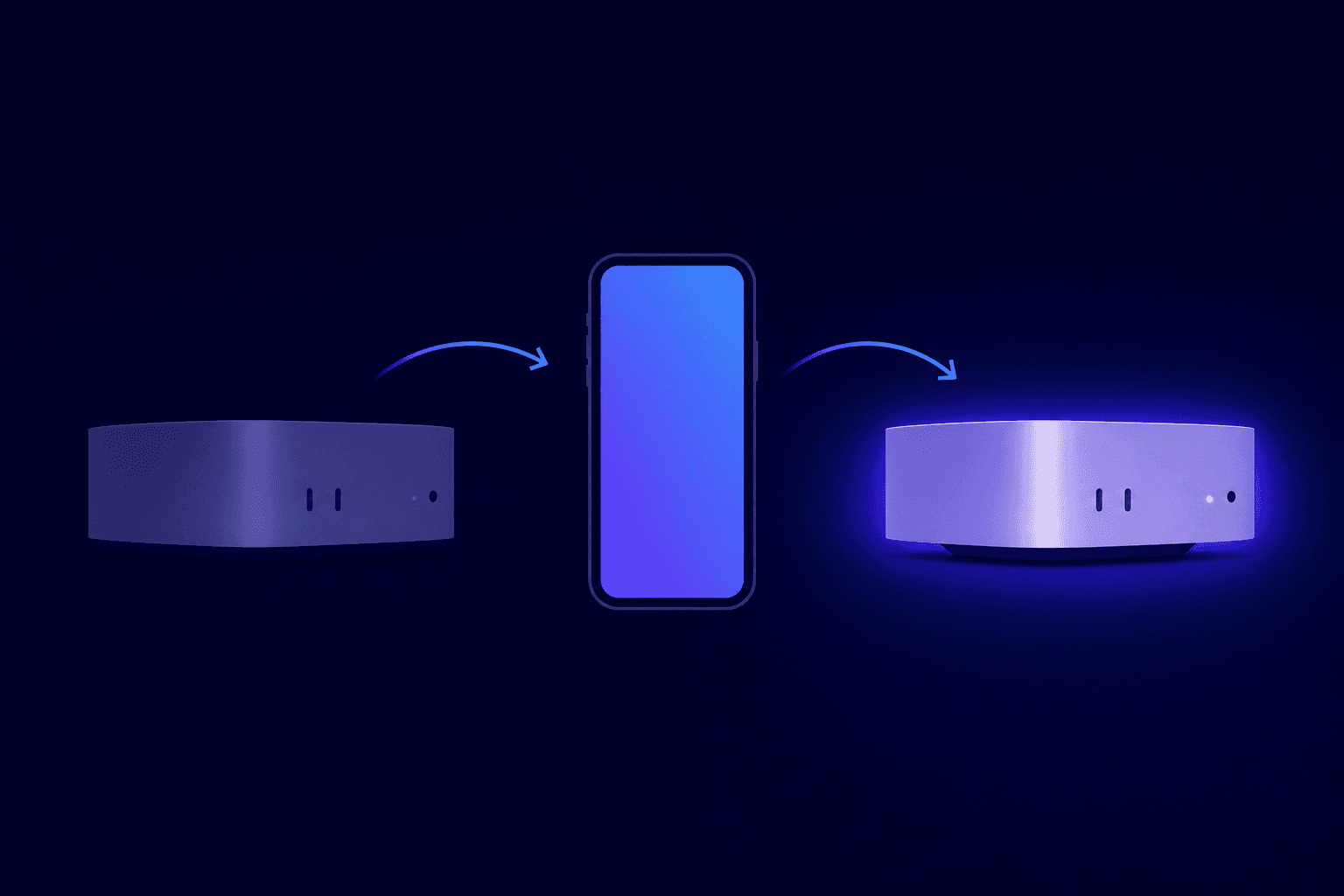
Every conversation lives in your Deckside account, not on one device. Wiped the drive and did a fresh install? Pair the same conversation to the new system and the agent picks up right where it left off, with everything it learned about your setup intact.

  • History is saved. Close the browser, come back tomorrow, keep going.
  • Re-pair a conversation to a different machine and the context moves with it.
  • Works from anywhere your phone has internet, not just your home Wi-Fi.
Illustration of a conversation moving from one computer to another through a phone

Remote control without opening your home up

Most remote-access tools ask you to poke holes in your network. Deckside was built the other way around.

Your machine calls out, nothing gets in

The app makes one outbound connection, like a browser loading a page. You never open ports or touch your router, and nothing on your network is exposed to the internet.

You approve the risky stuff

Anything sensitive pauses and waits for a tap on your phone before it runs. Administrator actions always stay on the machine itself.

Pairing is deliberate

A machine joins your account only when you approve it from a signed-in browser and enter its one-time code. Access can be revoked at any time.

Start free, upgrade if you want more

Connecting your machines is free on every plan. Paid plans get you smarter assistants and more headroom.

Free

Try Deckside on one machine.

$0/month

Unlimited machines
1 conversation
Model: gpt-5.4 mini
Reasoning up to Low
30 requests per hour
Core assistant only
Start free

Pro

The everyday plan for your machines.

Recommended

$8/month

Unlimited machines
Unlimited conversations
Models: gpt-5.4 mini and gpt-5.5
Reasoning up to Medium
100 requests per hour
Extras: web search
Choose Pro

Studio

Premium reasoning and every extra.

$25/month

Unlimited machines
Unlimited conversations
Models: gpt-5.4 mini and gpt-5.5
Reasoning up to X-high
300 requests per hour
Extras: web search, image generation, code interpreter, file search
Choose Studio

Have your own OpenAI key?

Add it in Settings and both supported models plus every extra are unlocked on your own OpenAI billing, with no hourly limits from Deckside. Works on all plans, including Free. More model providers are coming soon. Want a specific one? Ask in the Discord.

Use your key

More questions? See the pricing FAQ

Illustration of a relaxed person meditating while using their phone

Take the frustration out of configuration

Create an account, install the app, and let the agent handle the fiddly parts. Your first fix is five minutes away.

Got any questions or ideas? Join the Discord

Deckside | Control your living-room PC from your phone